Switchover for Mac
Your Windows reflexes, working on a Mac.
Switched from Windows and keep reaching for shortcuts that don't exist? Switchover puts them back. It sits quietly in the menu bar and does three things:
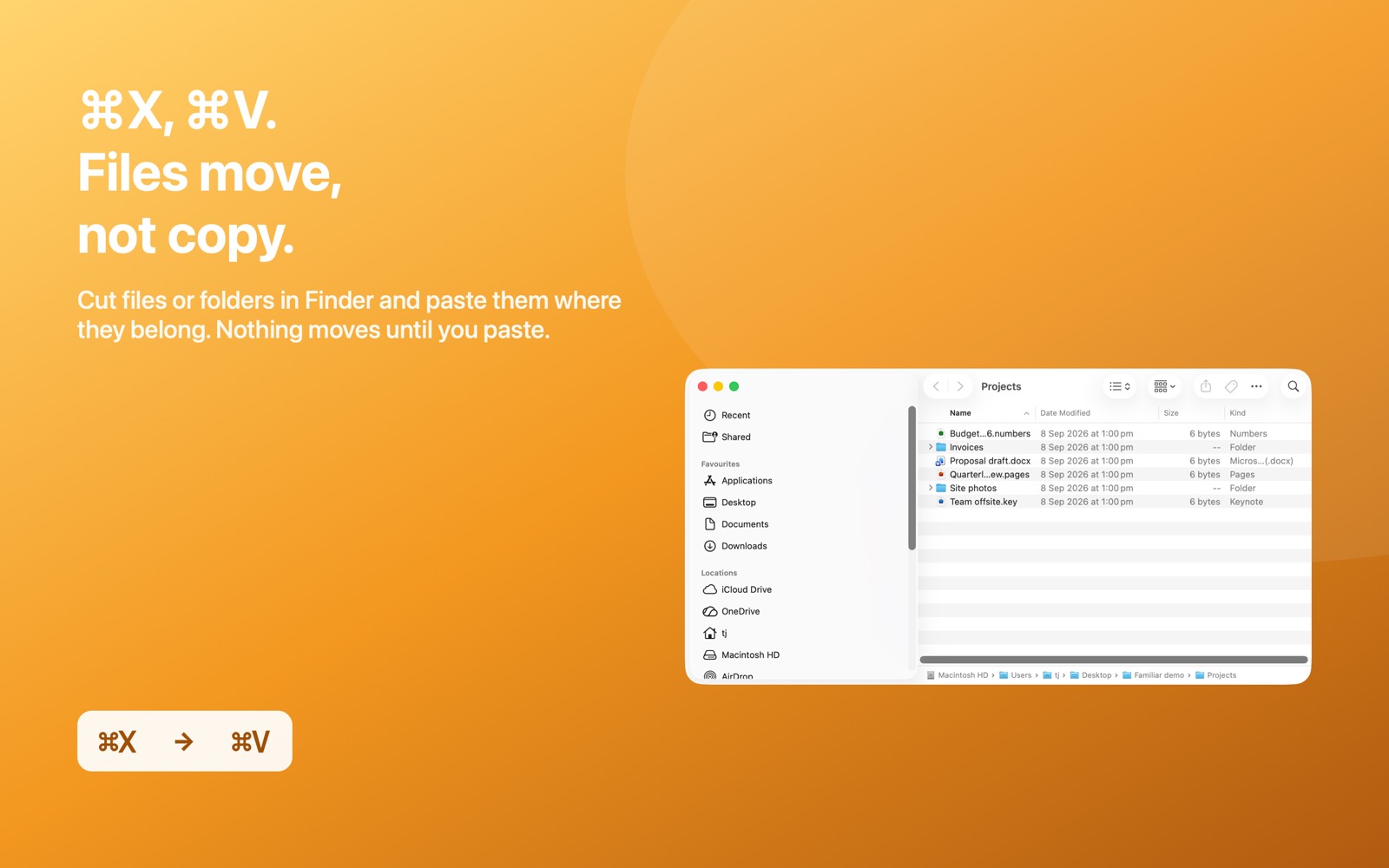
- Cut and paste files in Finder. Select, press ⌘X, open the destination, press ⌘V. Finder moves them. Nothing moves until you paste.
- Clipboard history on ⌘⇧V. Text, images and files, right where you're typing. Pin what you reuse, filter by app, search the text inside screenshots, and queue a Paste Stack for forms.
- The Windows keys you miss. Home and End, ⌃⌥⌫ for Activity Monitor with a Task Manager glance in the menu bar, ⌃⌥↑ fills the screen and ⌃⌥↓ brings it back, ⌥F4 and ⌃W close, Show Desktop, Lock, Finder and Mission Control on ⌃⌥D / L / E / Tab, and Win+Shift+S style snipping. Every shortcut can be changed.
See it in action
Private by design. No network access, no accounts, nothing collected. Your clipboard history stays on your Mac.
Requires macOS 14 Sonoma or later. Questions: support · privacy policy.

One habit each: the rest of the family
Switchover is the big one. Alongside it are six smaller menu bar apps, each of which brings back a single Windows habit — and each works entirely on its own.
Switchover StatsOn the App Store
Task Manager in your menu bar. Live CPU, memory, network and battery, and Ctrl+Alt+Shift+Esc opens the process list.
Switchover TaskbarNot available
A taskbar across the bottom of the screen, with one button per running app, Launchpad and a clock.
Switchover SnipOn the App Store
Win+Shift+S, put back. Snip a region, a window or the screen, mark it up, pin it on top or copy the text out.
Switchover MouseNot available
The mouse wheel scrolls the Windows way while the trackpad stays natural, plus working Back and Forward buttons.
Switchover ExpandNot available
A fast, private text expander. Type ;addr, get the whole address. Nothing leaves your Mac.
Switchover Cheat SheetOn the App Store
Ctrl+Option+/ shows every shortcut of the app you're in, with its Windows equivalent beside it.
Switching from Windows? Start here
- Windows keyboard shortcuts on a Mac: the full table
- The 7 Windows shortcuts Mac switchers miss, and how to get them back
- How to cut and paste files on a Mac (why Ctrl+X does nothing)
- Win+V on a Mac: how to get clipboard history
- Home and End keys on a Mac
- Ctrl+Alt+Delete on a Mac
- How to force quit an app on a Mac
- Why is my Mac fan so loud?
Switchover · All apps · Support · Privacy · Terms
Copyright © 2026 Thanujan Sathiyamoorthy. All rights reserved. Switchover is an independent product and is not affiliated with Apple Inc. or Microsoft Corporation. Windows is a trademark of Microsoft Corporation; Mac, macOS and Finder are trademarks of Apple Inc. No part of this site may be reproduced or redistributed without permission.